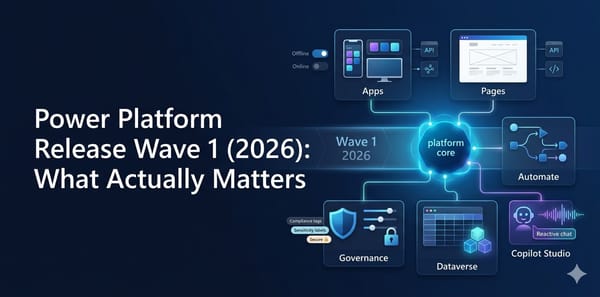
Power Platform Release Wave 1 (2026): What Actually Matters
Power Platform Wave 1 2026 explained with feature-by-feature breakdown, hype score, and subjective take for each major update.

Power Platform Wave 1 2026 explained with feature-by-feature breakdown, hype score, and subjective take for each major update.

Power Apps code apps are one of the most interesting shifts in the platform right now. You get a code-first developer experience in your IDE, while still deploying and operating on a managed Power Platform runtime. If you are asking how to write them, deploy them, and avoid painful mistakes,

A practical guide to Dataverse MCP Server setup, pros and cons, governance, and the latest Claude Desktop status.

The phrase "low-code" is often equated with "low-risk," but the recent discovery of CVE-2026-20960 proves otherwise. Microsoft has released a security update for this vulnerability in Power Apps, which allows an authorized attacker to execute code over the network if certain conditions are met. If you
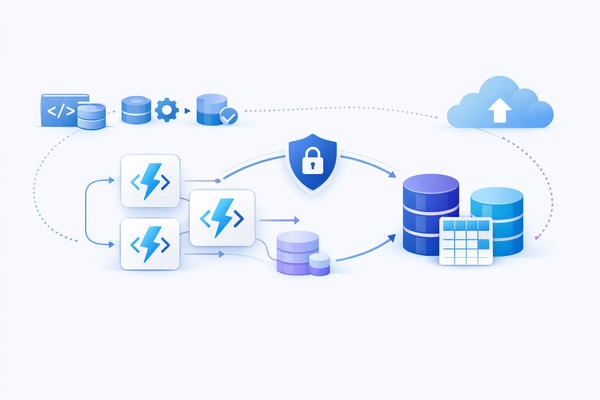
A practical deep dive into Azure Functions + Dataverse architecture, multi-language code examples, deployment patterns, and source control discipline.

A practical, production-focused guide to error handling in Power Automate, including Run after, scopes, retries, logging, and termination patterns.
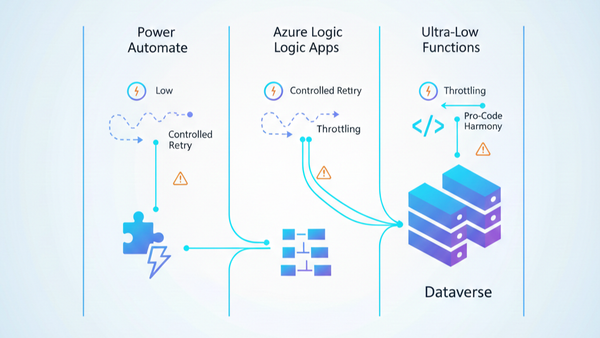
A practical architecture guide for choosing Power Automate, Logic Apps, and Azure Functions in Dataverse projects, including governance, source control, throttling, custom connectors, and deployment.
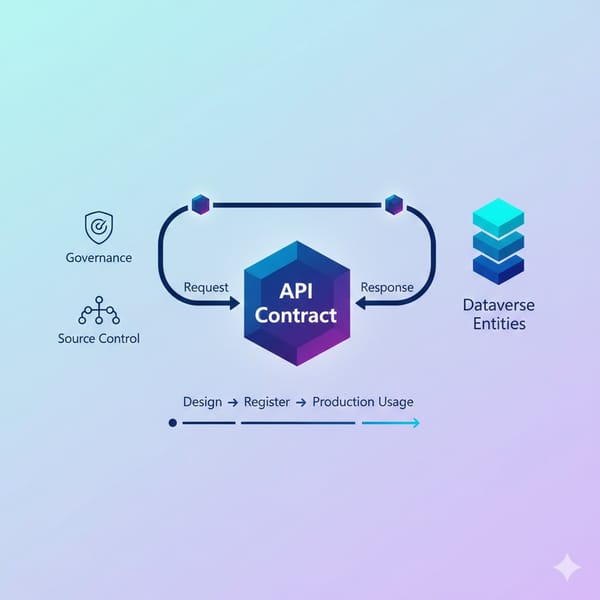
A practical guide to Dataverse Custom API design, registration, usage patterns, ALM discipline, and the real benefits teams see in production.
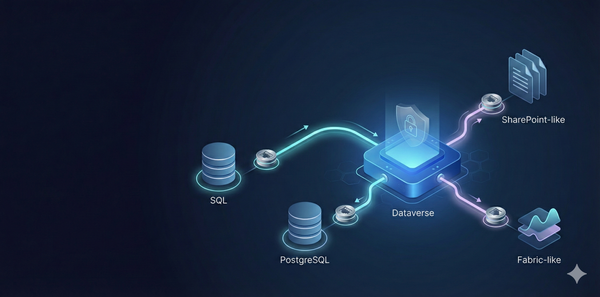
A technical guide to Dataverse Virtual Tables with official connection options, architecture trade-offs, ports, and practical production recommendations.

What is The Low Code Button? The Low Code Button (LCB) is a lightweight, customizable component designed specifically for Dynamics 365 developers and customizers. This innovative solution provides a managed solution to easily integrate and manage interactive buttons within your Dynamics 365 environment, streamlining workflows and enhancing user experience without
Ever wondered how to turn your everyday manual tasks into automated workflows—without writing a single line of code? That’s where Power Automate (formerly Microsoft Flow) comes in. It’s a cloud-based service that connects your apps, data, and services through a simple visual designer. Whether you’re sending
Mastering Form Events & Best Practices 🚀 Why JavaScript Still Matters Model‑driven apps in Dynamics 365 / Power Apps are built on declarative logic, but there are still scenarios where you need to: * Hide/Show controls based on user role or data. * Validate fields before a record is saved. * Calculate values
Power Platform
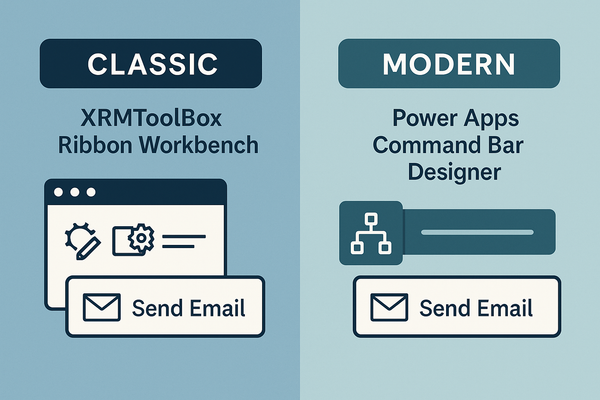
If you’ve ever wanted to add a “Send Email” button that only shows when a record’s status is Open, you’ll quickly discover that Dynamics 365 offers two very different ways to do it: ApproachToolWhere it livesTypical use caseClassicXRMToolBox → Ribbon Workbench (Scott Durow)Separate, lightweight solutionLegacy environments, deep‑
Power FX
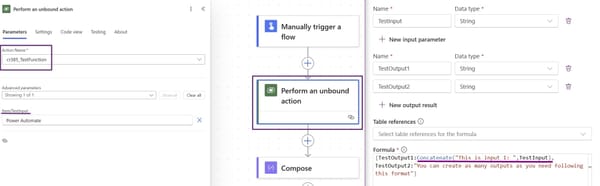
Microsoft has just introduced a powerful new feature in Power Apps: Global Functions through Power FX. These functions allow us to create reusable logic that can be accessed across multiple Power Platform tools without being tied to a specific Dataverse table. Unlike traditional Power Automate flows, Unbound Actions execute directly

Power Platform
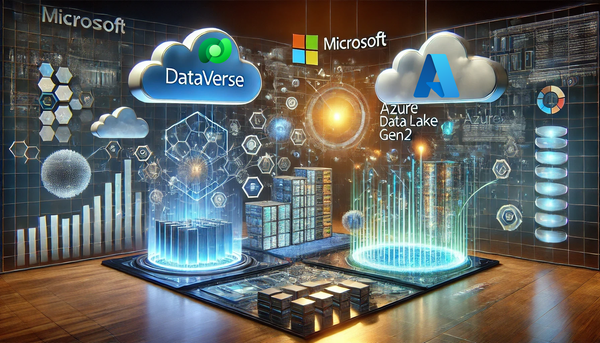
Following up on my previous post, "Stepping Up the Game: Exporting Dataverse Tables to Azure Data Lake Gen2," this time, we’ll explore setting up Azure Synapse Link using Managed Identities. Prerequisites Install Required Modules Install-Module -Name Az -AllowClobber -Force Disable Execution Policy (if necessary): Set-ExecutionPolicy -Scope Process

Power Platform
December 22, 2024 – As we approach Christmas, we wish all Power Platform enthusiasts a wonderful holiday season. May your celebrations be filled with joy, peace, and plenty of tech inspirations for the new year! In the spirit of giving, Microsoft has unveiled a game-changing feature for Power Apps developers: native
Canvas Apps
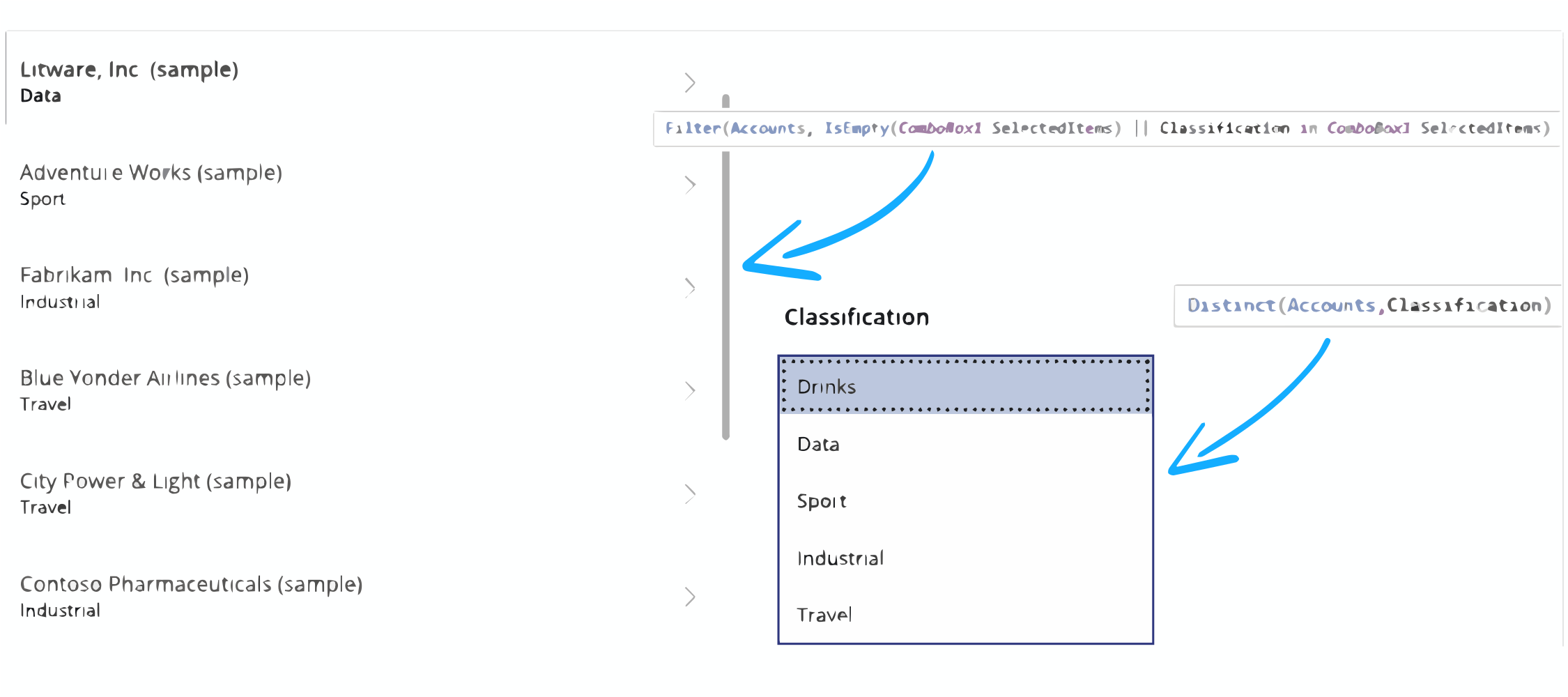
When working with Canvas Apps, one of the most essential skills is mastering how to filter collections. Collections are temporary in-memory tables that are perfect for storing, manipulating, and displaying data during the lifecycle of your app. But how do you get the most out of collections, especially when you
Power Platform
One of the most fascinating aspects for me, after all these years working closely with Power Platform and Dynamics, is the sheer number of tools - often unknown - that Microsoft quietly releases without much fanfare.This is the case with Azure Synapse Link, a tool available in Power Platform

Canvas Apps
Ever wished you could create your own app? One that perfectly fits your team’s needs, looks the way you want, and has the capability to interact with most Microsoft products? That’s exactly what Canvas Apps on the Power Platform offer. They’re designed to let everyone, not just
Power Platform
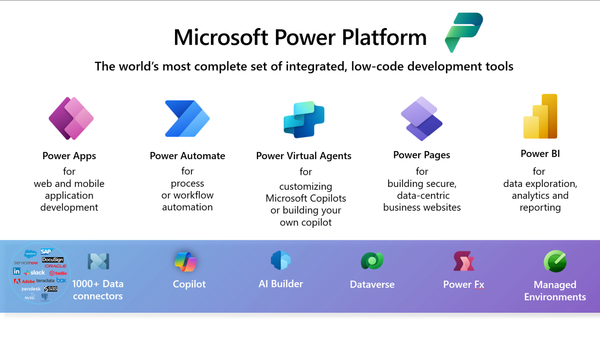
The Power Platform has revolutionized how non-technical users approach business solutions, making app development and process automation accessible to everyone. Let's explore why this platform is particularly well-suited for those without traditional coding backgrounds. What Makes Power Platform Different? Visual Development Environment The platform's intuitive drag-and-drop

Hello and welcome to our brand new blog, "That's A Good Question"! We're thrilled to kick off this exciting journey with you today, Wednesday, November 06, 2024. Who We Are We're Stephan Charles Nielson and José Martínez Lago, two passionate professionals deeply