Power Automate
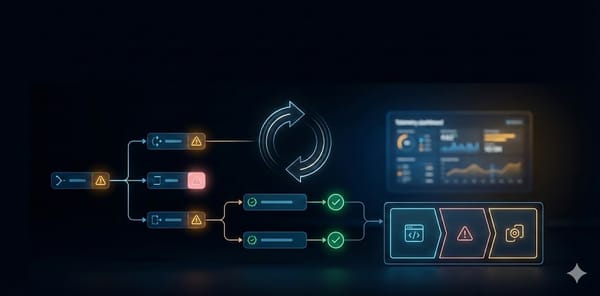
Power Automate error handling guide: patterns that survive production
A practical, production-focused guide to error handling in Power Automate, including Run after, scopes, retries, logging, and termination patterns.

Power Automate
A practical, production-focused guide to error handling in Power Automate, including Run after, scopes, retries, logging, and termination patterns.
Azure
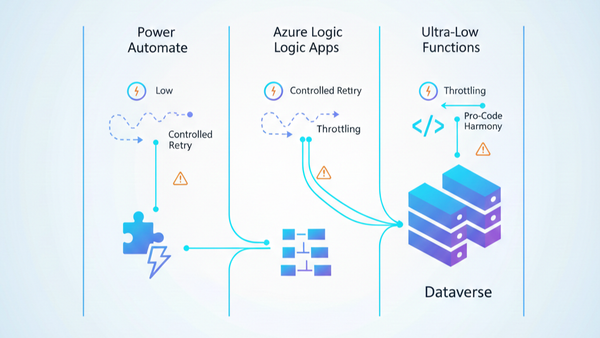
A practical architecture guide for choosing Power Automate, Logic Apps, and Azure Functions in Dataverse projects, including governance, source control, throttling, custom connectors, and deployment.
Power Platform
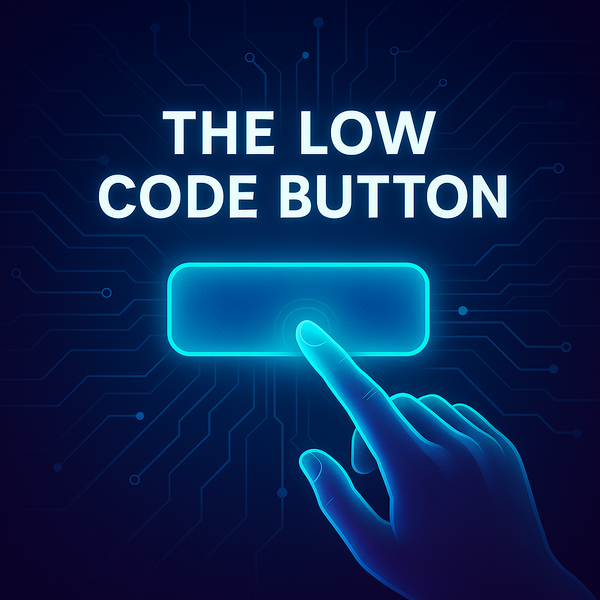
What is The Low Code Button? The Low Code Button (LCB) is a lightweight, customizable component designed specifically for Dynamics 365 developers and customizers. This innovative solution provides a managed solution to easily integrate and manage interactive buttons within your Dynamics 365 environment, streamlining workflows and enhancing user experience without
Power Automate
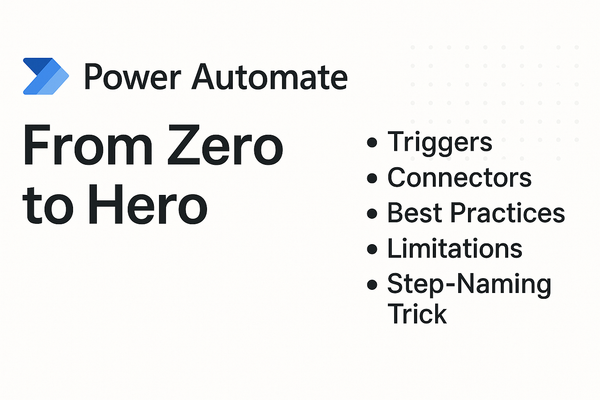
Ever wondered how to turn your everyday manual tasks into automated workflows—without writing a single line of code? That’s where Power Automate (formerly Microsoft Flow) comes in. It’s a cloud-based service that connects your apps, data, and services through a simple visual designer. Whether you’re sending
Power Platform
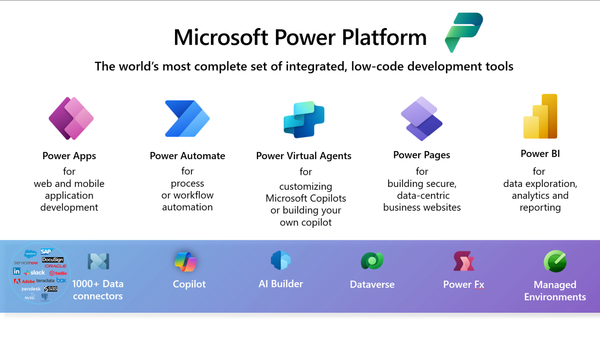
The Power Platform has revolutionized how non-technical users approach business solutions, making app development and process automation accessible to everyone. Let's explore why this platform is particularly well-suited for those without traditional coding backgrounds. What Makes Power Platform Different? Visual Development Environment The platform's intuitive drag-and-drop