Power Automate
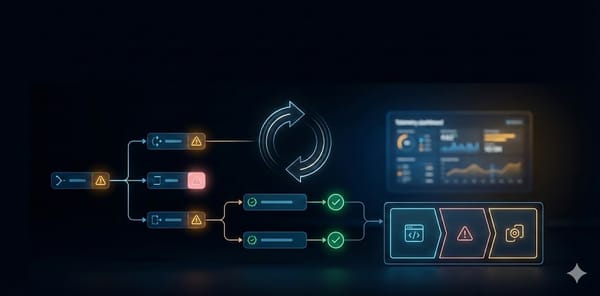
Power Automate error handling guide: patterns that survive production
A practical, production-focused guide to error handling in Power Automate, including Run after, scopes, retries, logging, and termination patterns.

Power Automate
A practical, production-focused guide to error handling in Power Automate, including Run after, scopes, retries, logging, and termination patterns.
Model Driven Apps
Mastering Form Events & Best Practices 🚀 Why JavaScript Still Matters Model‑driven apps in Dynamics 365 / Power Apps are built on declarative logic, but there are still scenarios where you need to: * Hide/Show controls based on user role or data. * Validate fields before a record is saved. * Calculate values
Power Platform
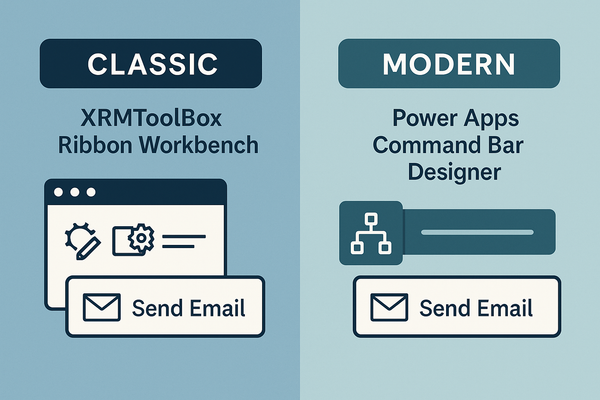
If you’ve ever wanted to add a “Send Email” button that only shows when a record’s status is Open, you’ll quickly discover that Dynamics 365 offers two very different ways to do it: ApproachToolWhere it livesTypical use caseClassicXRMToolBox → Ribbon Workbench (Scott Durow)Separate, lightweight solutionLegacy environments, deep‑
Power FX
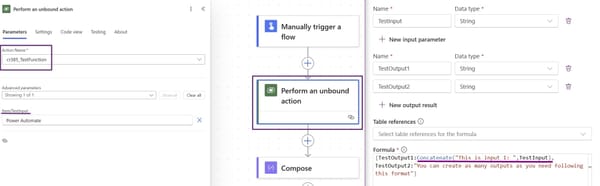
Microsoft has just introduced a powerful new feature in Power Apps: Global Functions through Power FX. These functions allow us to create reusable logic that can be accessed across multiple Power Platform tools without being tied to a specific Dataverse table. Unlike traditional Power Automate flows, Unbound Actions execute directly
Power Platform
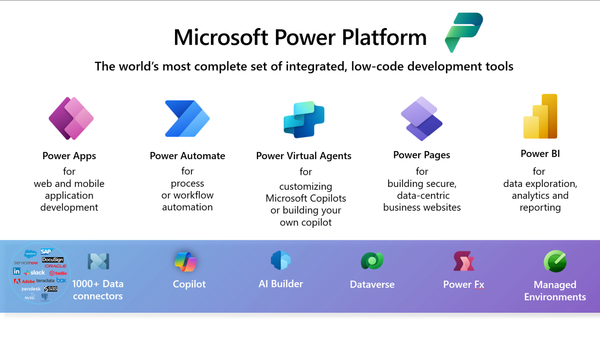
The Power Platform has revolutionized how non-technical users approach business solutions, making app development and process automation accessible to everyone. Let's explore why this platform is particularly well-suited for those without traditional coding backgrounds. What Makes Power Platform Different? Visual Development Environment The platform's