Power Platform
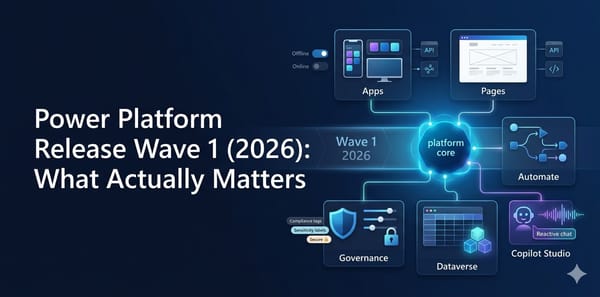
Power Platform Release Wave 1 (2026): What Actually Matters
Power Platform Wave 1 2026 explained with feature-by-feature breakdown, hype score, and subjective take for each major update.

Power Platform
Power Platform Wave 1 2026 explained with feature-by-feature breakdown, hype score, and subjective take for each major update.

Canvas Apps
Power Apps code apps are one of the most interesting shifts in the platform right now. You get a code-first developer experience in your IDE, while still deploying and operating on a managed Power Platform runtime. If you are asking how to write them, deploy them, and avoid painful mistakes,

Power Platform
A practical guide to Dataverse MCP Server setup, pros and cons, governance, and the latest Claude Desktop status.

Power Platform
The phrase "low-code" is often equated with "low-risk," but the recent discovery of CVE-2026-20960 proves otherwise. Microsoft has released a security update for this vulnerability in Power Apps, which allows an authorized attacker to execute code over the network if certain conditions are met. If you
Azure
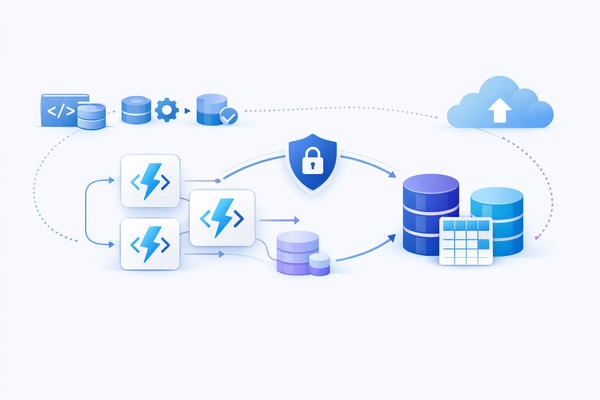
A practical deep dive into Azure Functions + Dataverse architecture, multi-language code examples, deployment patterns, and source control discipline.
Azure
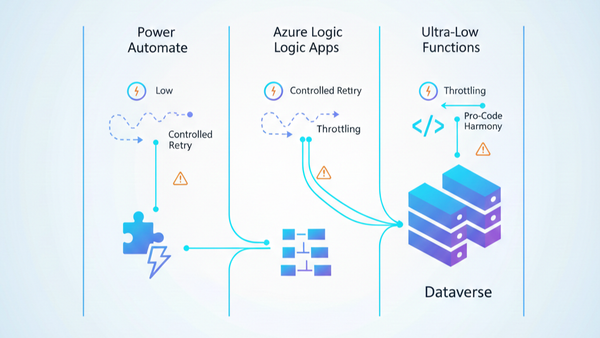
A practical architecture guide for choosing Power Automate, Logic Apps, and Azure Functions in Dataverse projects, including governance, source control, throttling, custom connectors, and deployment.
Power Platform
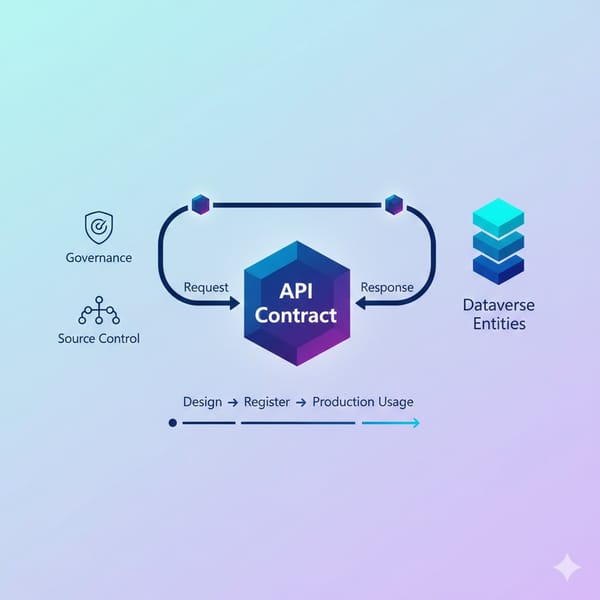
A practical guide to Dataverse Custom API design, registration, usage patterns, ALM discipline, and the real benefits teams see in production.
Power Platform
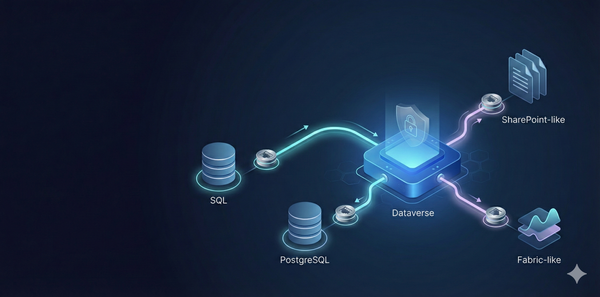
A technical guide to Dataverse Virtual Tables with official connection options, architecture trade-offs, ports, and practical production recommendations.
Power Platform
What is The Low Code Button? The Low Code Button (LCB) is a lightweight, customizable component designed specifically for Dynamics 365 developers and customizers. This innovative solution provides a managed solution to easily integrate and manage interactive buttons within your Dynamics 365 environment, streamlining workflows and enhancing user experience without
Power Platform
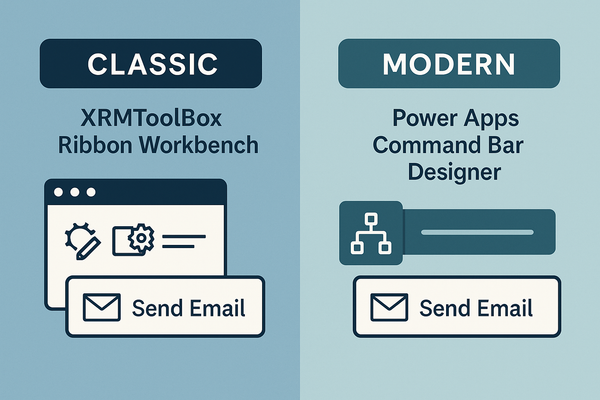
If you’ve ever wanted to add a “Send Email” button that only shows when a record’s status is Open, you’ll quickly discover that Dynamics 365 offers two very different ways to do it: ApproachToolWhere it livesTypical use caseClassicXRMToolBox → Ribbon Workbench (Scott Durow)Separate, lightweight solutionLegacy environments, deep‑
Power FX
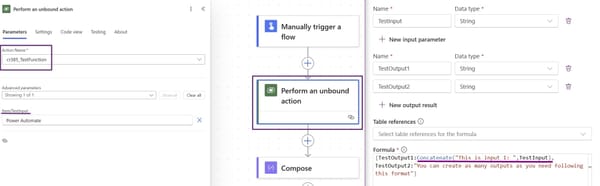
Microsoft has just introduced a powerful new feature in Power Apps: Global Functions through Power FX. These functions allow us to create reusable logic that can be accessed across multiple Power Platform tools without being tied to a specific Dataverse table. Unlike traditional Power Automate flows, Unbound Actions execute directly

Power Platform
Following up on my previous post, "Stepping Up the Game: Exporting Dataverse Tables to Azure Data Lake Gen2," this time, we’ll explore setting up Azure Synapse Link using Managed Identities. Prerequisites Install Required Modules Install-Module -Name Az -AllowClobber -Force Disable Execution Policy (if necessary): Set-ExecutionPolicy -Scope Process