AI
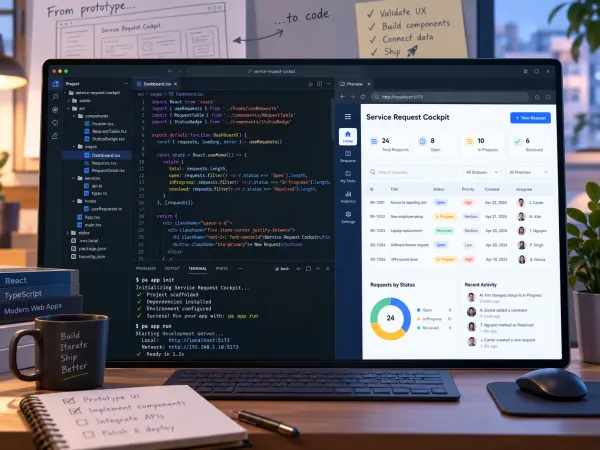
From Vibe to Production: Turning AI Mockups into Real Power Apps
Learn how to turn a Power Apps Vibe prototype into a Code App, connect Dataverse and Azure Logic Apps, and deploy and maintain it with proper ALM.

AI
Learn how to turn a Power Apps Vibe prototype into a Code App, connect Dataverse and Azure Logic Apps, and deploy and maintain it with proper ALM.
Azure
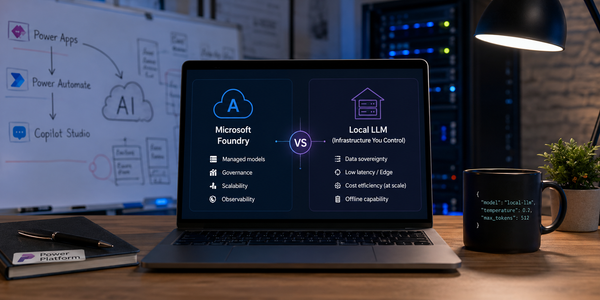
Generative AI is no longer a futuristic experiment. Enterprises are moving models into customer service, document processing, knowledge management, software development, and operational workflows. As those projects move from proof of concept to production, one architectural question appears remarkably quickly: Should we consume a managed cloud model, or deploy an
code-apps
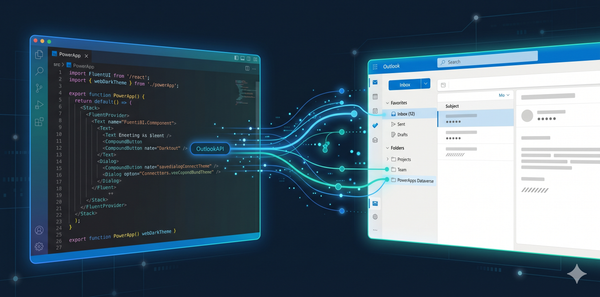
In Part 1 we scaffolded a code app, installed Fluent UI, and built a Google-style search UI. It was a proof of concept — a shell with no real data. This is where Part 1 stops, and this post picks up: how do you connect a code app to real
power-platform
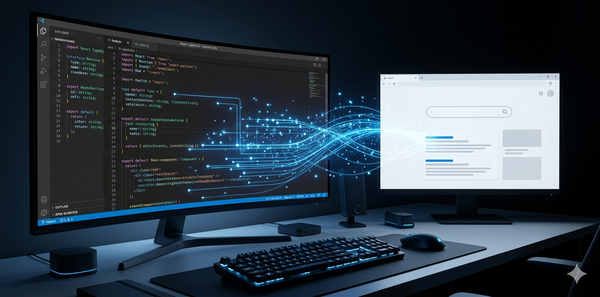
Power Apps code apps are one of the most important shifts in Power Platform right now. You get a true code-first experience in your IDE, but still deploy and operate inside a managed Microsoft platform. In this article we build a complete working example — a Google-style search UI